News · New this week
LinkedIn 2nd-degree connections: how the badge is computed
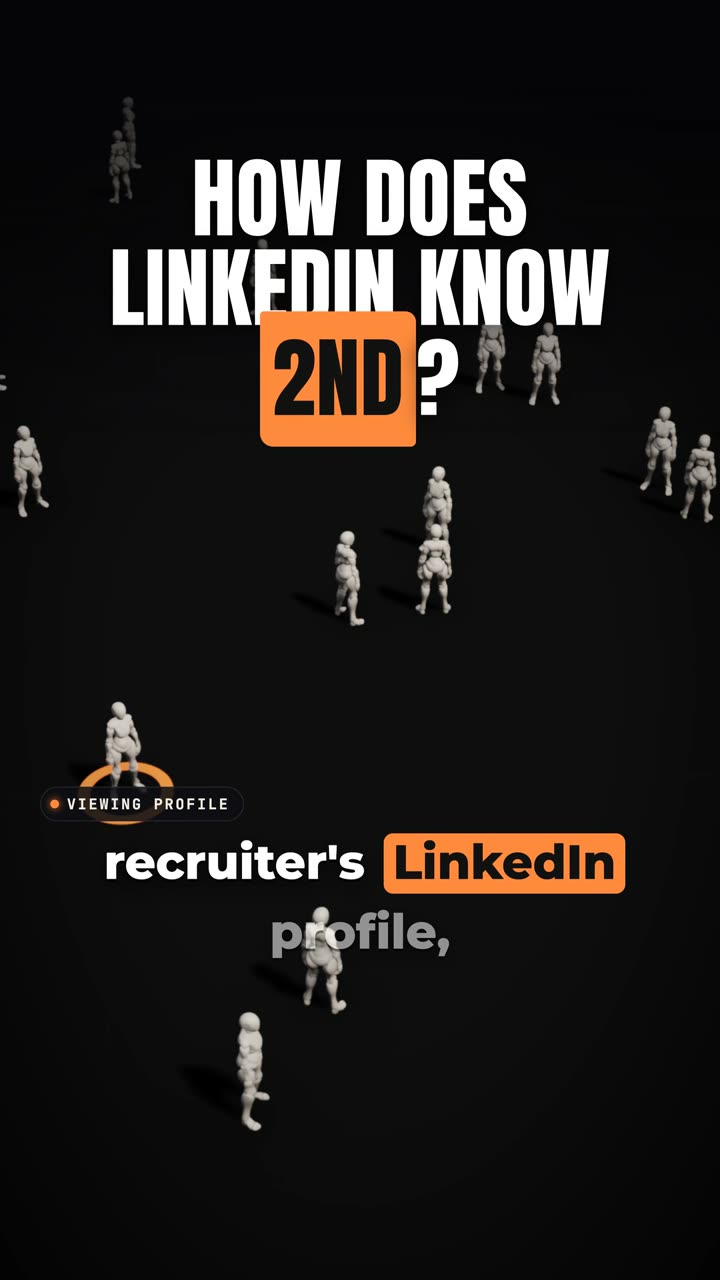
The 2nd badge shows up instantly because nobody searches the graph. The server compares two cached 1st-degree lists.
You open a recruiter's profile and the 2nd badge is already there. No spinner, no delay. Most people assume LinkedIn searches your whole network to find the link.
It doesn't, at least in the standard answer to this system design interview question. This is the standard interview design, not LinkedIn's own system.
Why walking the graph fails
The obvious design is to walk the entire connection graph every time someone views a profile. Start at you, search outward, and see whether the recruiter turns up.
Reject it. Doing that on every profile view is way too slow, and the badge has to appear instantly.
The terms
Your direct connections are your 1st degree. Their connections, who aren't directly connected to you, are 2nd degree.
That definition tells you what to check. Is the recruiter a direct connection of yours, and do you share a connection with them? Neither question needs a walk across the graph.
Compare cached lists
Every user's 1st-degree list is already saved, and it's kept in a cache. A cache is a copy kept close, so it's ready instantly.
When you open the profile, the server compares your list with the recruiter's list. If there's one common name, and the recruiter isn't a direct connection, that's 2nd degree.
The twist is that a full graph is never searched live. At view time the server only compares two lists.
People You May Know
People You May Know is a different problem. Here people get ranked, using how many mutual connections you share, the same company and the same college.
What to say in the interview
If you get this question, keep the answer short. Don't walk the graph. Compare the cached list.
Then add the second half. For 2nd degree, a shared name between two lists, with the other person not directly connected, is enough. For People You May Know, you rank by mutual connections, company and college.
Next time a system design prompt sounds like a graph search, try answering it with a cached list and a comparison first. And say out loud that this is the textbook design and not LinkedIn's actual system.